Large-canvas mapping
Work across broad mind maps with overview support, branch navigation, and a canvas designed for real structure rather than toy examples.
GoMind is a cross-platform mind mapping app built for working sessions, not just pretty diagrams. Open and save native .gomind files, import XMind content, tune themes and layouts, and export clean visuals when the map is ready to share.
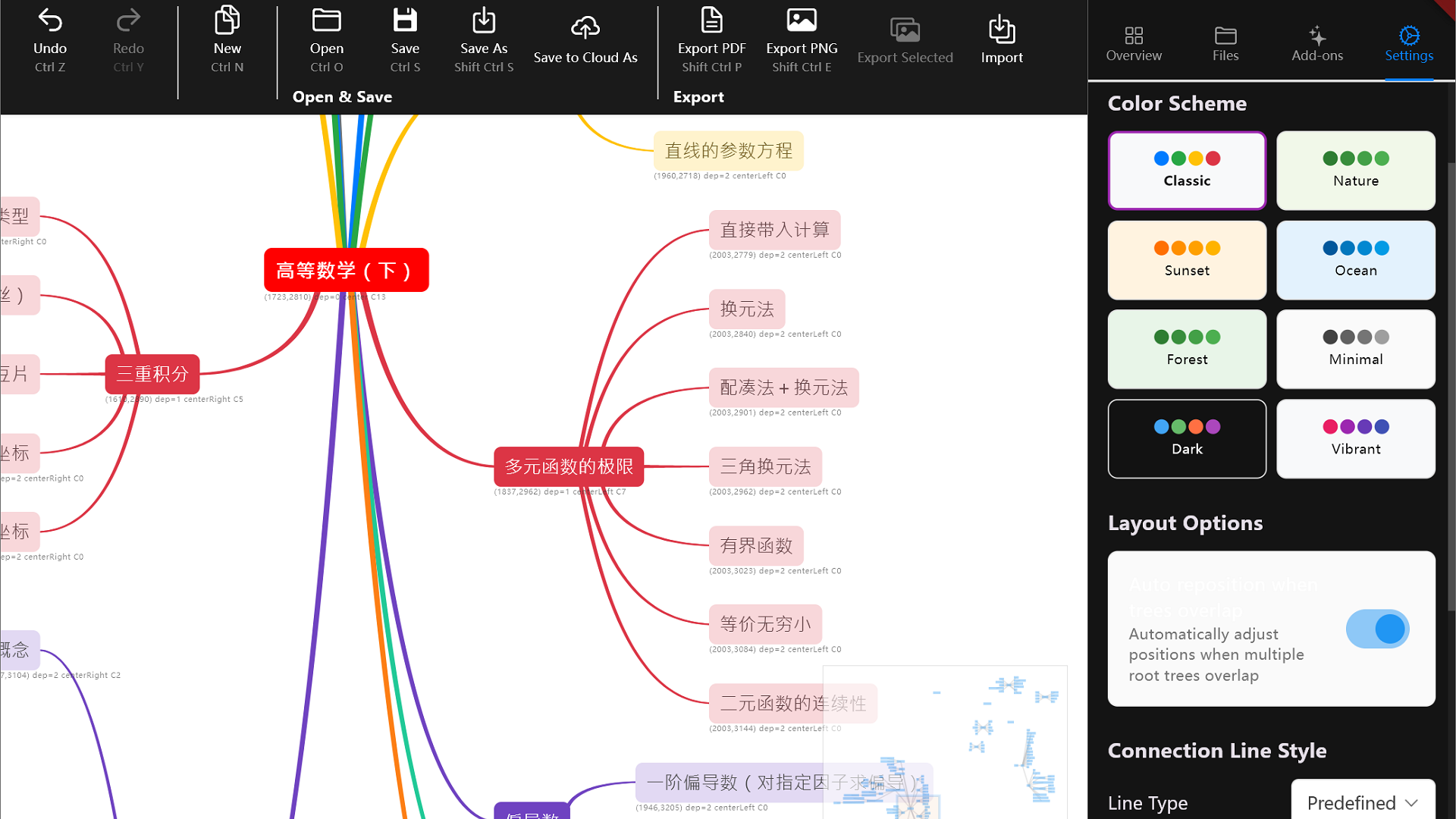
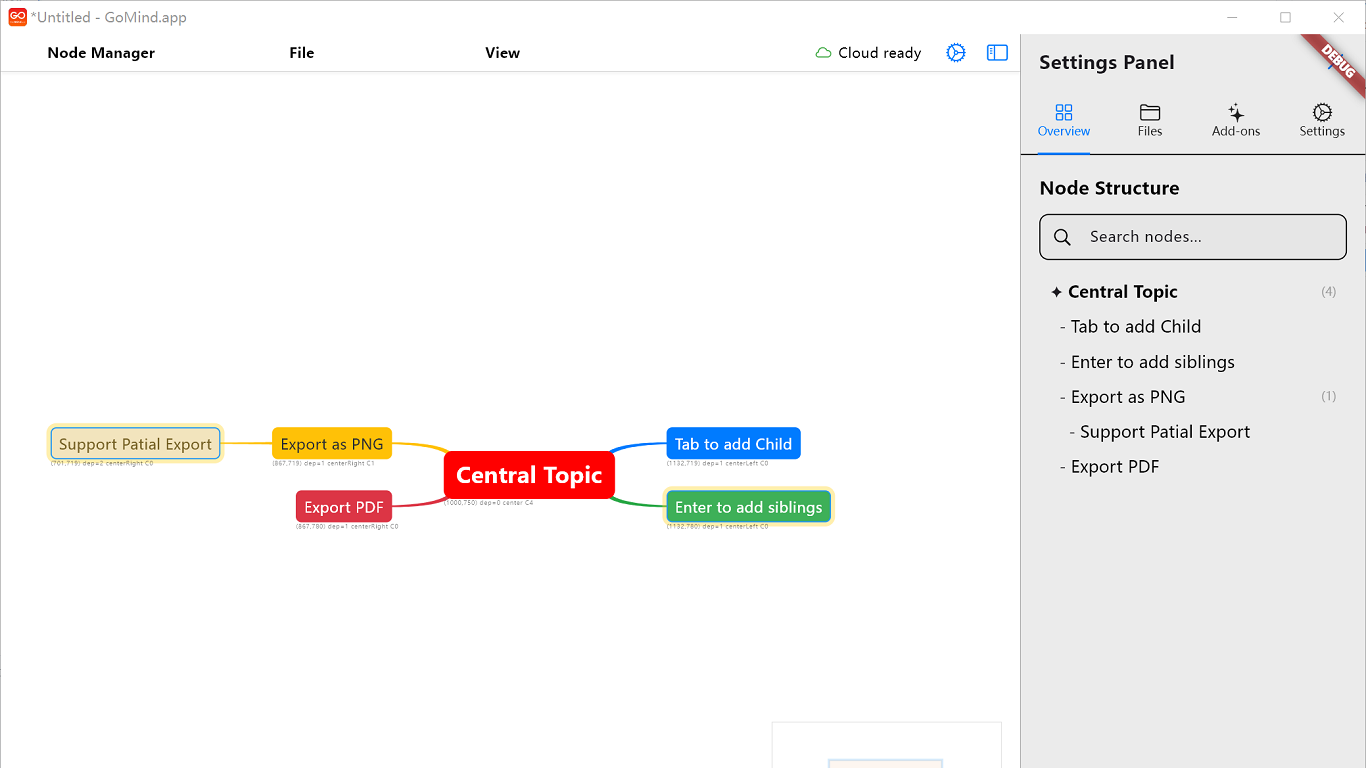
The app already exposes the practical features people expect in day-to-day knowledge work: structured node editing, layout control, reusable themes, drag-based arrangement, and export paths that do not break the result.
Work across broad mind maps with overview support, branch navigation, and a canvas designed for real structure rather than toy examples.
Open local .gomind files directly, save back to disk, and import .xmind content when you need to migrate or collaborate across tools.
Switch color schemes, line styles, and layout behavior without rebuilding the map manually every time the presentation context changes.
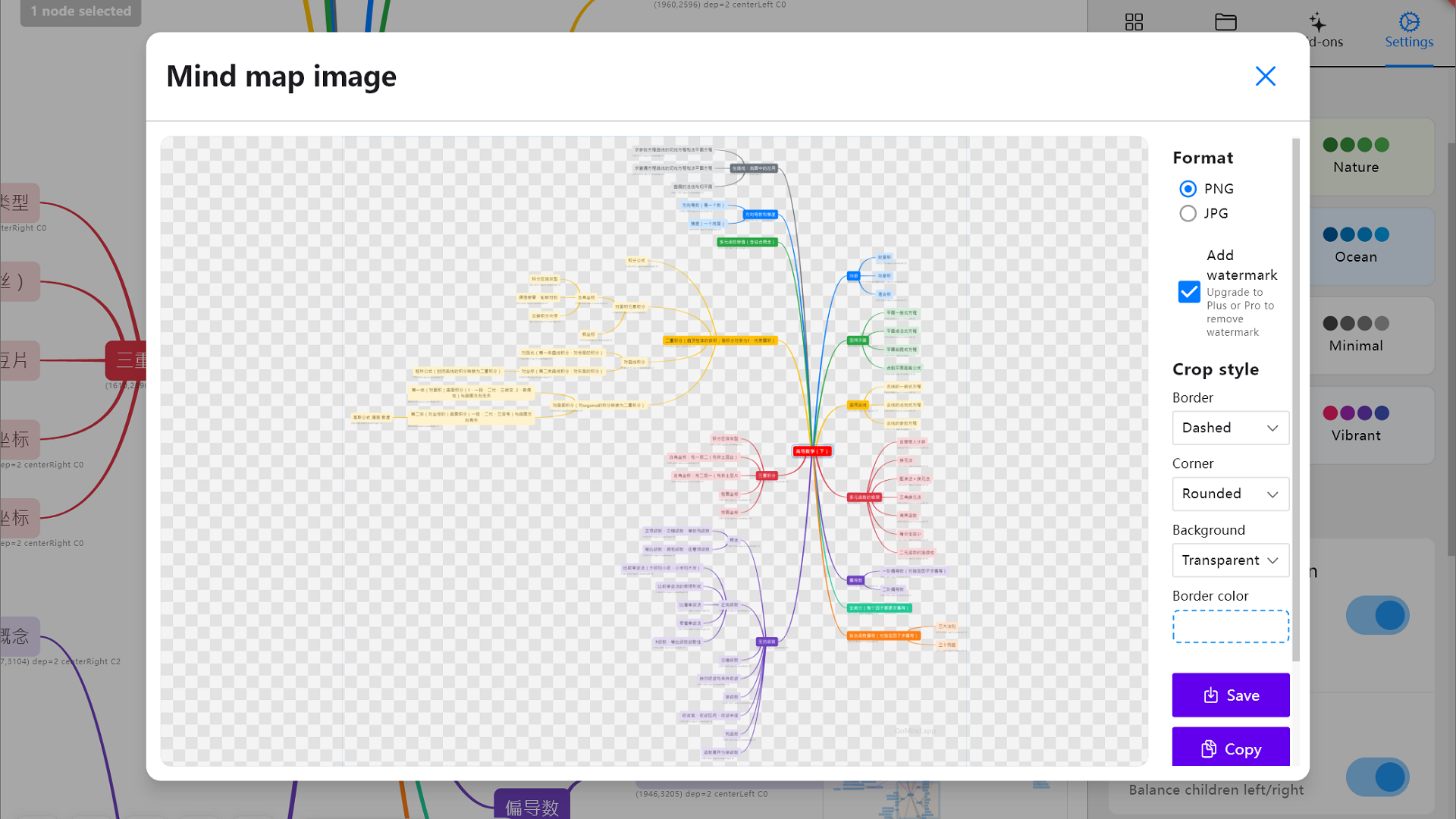
Export to PNG, PDF, and SVG so the final map can move into specs, docs, lessons, or internal reviews without extra cleanup.
These screenshots come from the current Flutter app in the repository, so the page reflects the actual interface rather than mock marketing comps.
The links below assume the release archives are exposed through /attachments/gomind, matching the server path configured in your build script.
Use the Microsoft Store and Mac App Store links for the most familiar install flow, or grab the Windows ZIP directly if you prefer the current release archive distribution.
Choose the Microsoft Store for a standard install flow or keep the ZIP archive for direct distribution.
Open Microsoft StoreInstall through the Mac App Store, or use the direct archive if you still want the release ZIP.
Open Mac App StoreLinux release zip for desktop use and distribution outside an app store flow.
Download Linux buildPackaged web build if you want the static web output from the same version line.
Download web bundleThese call out the parts that usually matter before someone downloads a new productivity tool.
Yes. The app code already supports importing .xmind files, and the page reflects that directly instead of claiming a vague “compatibility” story.
Yes. Native file open and save are part of the current app, with optional cloud-oriented workflow and backend work available in the repository.
PNG, PDF, and SVG are already represented in the app and are called out clearly on this page because those outputs matter for real downstream use.